
Pak Game Deposit Not Received? Money Deducted but Balance Not Showing (Fixes)
You paid through JazzCash or EasyPaisa, the money left your wallet, but your Pak Game balance still shows zero. This is one of the most stressful problems for players, but in most cases the money is not lost. It is stuck between the payment gateway and your game account. This guide explains why a Pak Game deposit is not received, what to do minute by minute, and exactly what to send support so your case gets solved faster.
Pak Game involves real money and is for users aged 18 and above only.
If you have not made a deposit yet and want the full process first, read our main Pak Game deposit guide.
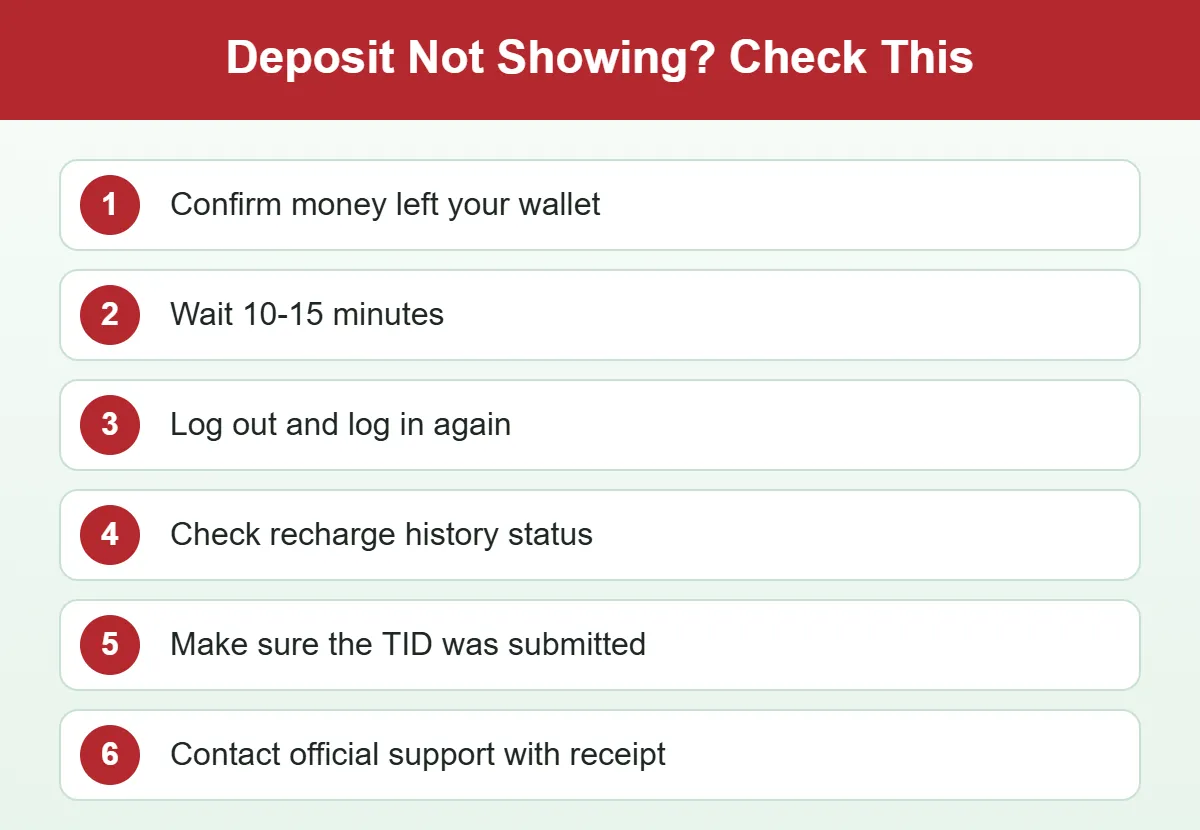
Quick Fix: Do These 5 Things First
- Do not pay again. A second payment does not push the first one through.
- Open your JazzCash or EasyPaisa app and confirm the amount was actually deducted.
- Wait 10–15 minutes, then log out of Pak Game and log in again.
- Open recharge history in Pak Game and check the order status.
- If you paid manually, make sure the transaction ID (TID) was submitted in the order.
Still nothing? Keep reading. The right fix depends on which situation you are in.
First, Find Out Which Case You Are In
| What you see | What it usually means | What to do |
|---|---|---|
| Money not deducted from wallet | Payment failed or was never approved | Nothing lost. Try again once, with a stable connection. |
| Money deducted, order shows “Pending” | Gateway has not confirmed yet | Wait up to 30 minutes, then contact support. |
| Money deducted, order shows “Failed” | Payment reached the gateway but did not match the order | Contact support with TID. Refunds usually go back to the wallet. |
| Money deducted, no order in history | Payment was made outside the app, or the order expired | Send support the receipt, TID, time and amount. |
| Manual transfer, TID rejected | Wrong TID, wrong amount or old receiving number | Re-check the TID from the SMS and submit it again. |
What To Do and When: A Simple Timeline
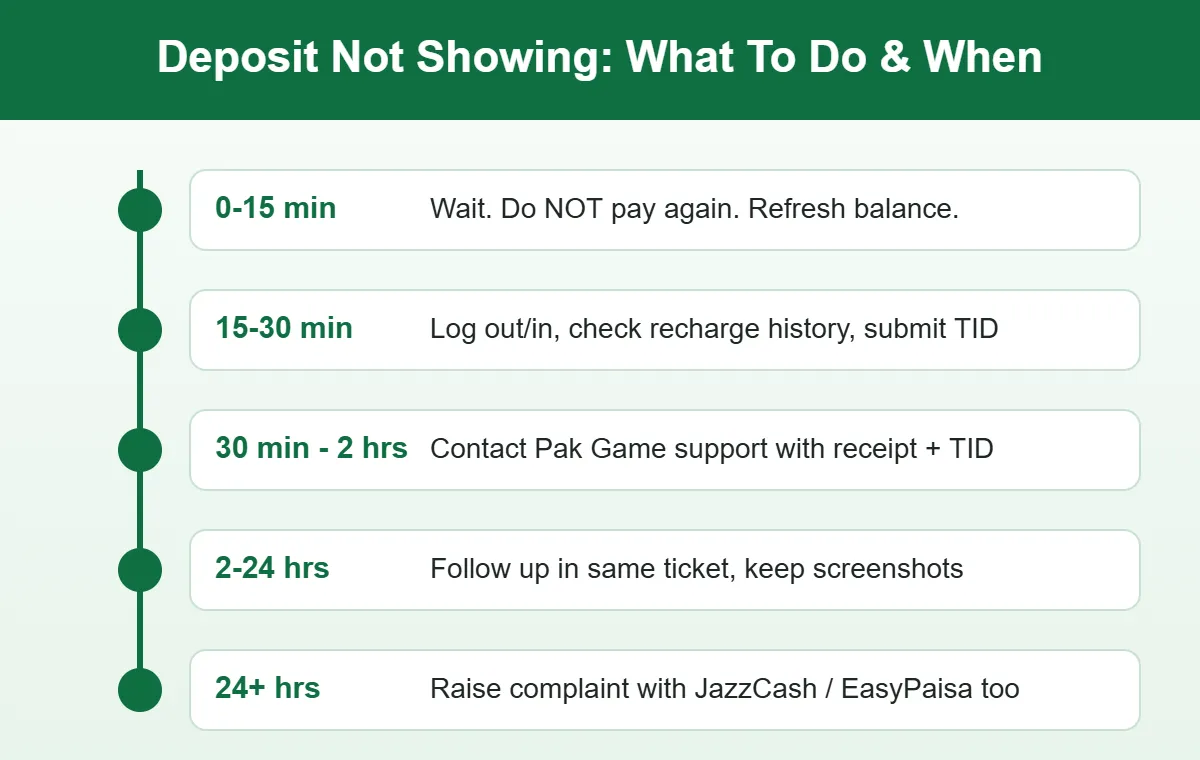
0 to 15 Minutes: Wait and Refresh
Most deposits show within a few minutes, but busy times (evenings, weekends, salary days) can slow the gateway down. Refresh your balance, but do not create a new order and do not send the money again.
15 to 30 Minutes: Check Your Order Properly
- Log out and log in again so the app loads fresh data.
- Open recharge or deposit history and note the order number and status.
- For manual transfers, compare the TID in the order with the TID in your wallet SMS. One wrong letter or digit is enough to stop the credit.
- Check that the amount you sent matches the order exactly, including any odd figure like Rs 505 instead of Rs 500.
30 Minutes to 2 Hours: Contact Pak Game Support
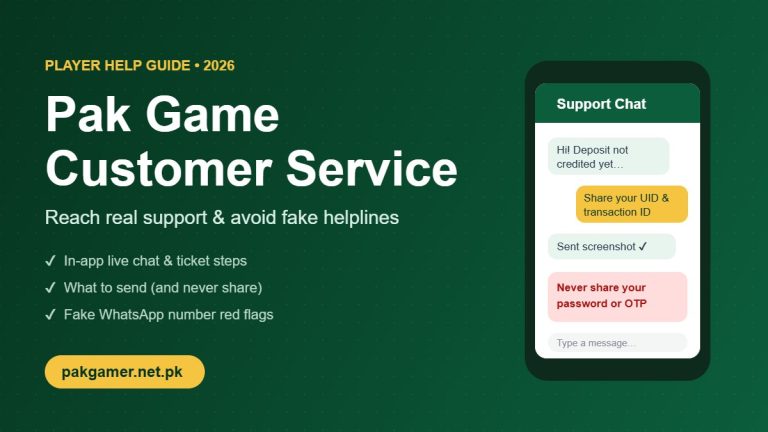
Now it is time to open a ticket through the official support option inside the app. Use the message template given below so support has everything at once. Our Pak Game customer service guide shows how to find the real support channel and avoid fake helplines.
2 to 24 Hours: Follow Up, Do Not Restart
Reply in the same ticket instead of opening many new ones. Multiple tickets for one problem often slow things down. Keep all screenshots.
After 24 Hours: Contact Your Wallet Too
If the money left your wallet and neither a credit nor a refund has arrived after a day, raise a complaint with your wallet provider as well. JazzCash support is reachable at 4444 from a Jazz number, and EasyPaisa support at 3737 from a Telenor number, or through the help section in each app. Give them the TID and date. They can confirm where the money went.
8 Reasons a Pak Game Deposit Is Not Received
- Gateway delay. The wallet took the money but has not sent the confirmation yet. This fixes itself in most cases.
- TID not submitted. In manual transfers, the order stays empty until you paste the transaction ID.
- Wrong or mistyped TID. Copy it from the SMS instead of typing it by hand.
- Amount mismatch. Sending a rounded figure instead of the exact order amount.
- Old receiving number. Manual deposit numbers can change for every order. Paying to a number saved from an earlier deposit can send money to the wrong place.
- Order expired. Many recharge orders have a time limit. Paying after it runs out can leave the payment unmatched.
- App closed during payment. Closing Pak Game or losing internet before returning from the wallet screen.
- Fake app or payment agent. If you paid through a copy app or a WhatsApp “agent”, the money never reached Pak Game at all.
What To Send Support (Copy This Template)
Support teams solve deposit cases much faster when every detail is in the first message. Copy and fill this in:
Deposit not received.
Pak Game user ID: ______
Registered mobile number: ______
Payment method: JazzCash / EasyPaisa
Amount: Rs ______
Date and time of payment: ______
Transaction ID (TID): ______
Order number (if shown): ______
Screenshot of wallet receipt: attached
Never add your password, MPIN, wallet PIN or OTP to this message. Real support will never ask for them.
Special Cases
I Paid Twice by Mistake
Do not panic. Send both TIDs in one ticket and explain that the second payment was a duplicate. Usually either both are credited or the extra one is refunded to your wallet after checking.
I Sent Money to the Wrong Number
If you used an old number or a number from social media, contact your wallet provider immediately with the TID. Pak Game support can only trace payments made to the account shown in your order.
Deposit Shows Credited but Balance Is Lower
Check whether a bonus was applied with conditions or whether part of the balance is locked as bonus money. Our Pak Game bonus guide explains how bonus balance and betting requirements work.
I Cannot Log In to Check My Balance
Fix access first with our Pak Game login not working guide or the login password reset steps. If the app crashes before loading, see Pak Game app not opening.
How To Avoid This Problem Next Time
- Use a JazzCash or EasyPaisa account in your own name and verified on your CNIC.
- Always start the deposit from the recharge screen inside the official app.
- Send the exact amount shown and copy the TID straight from the SMS.
- Stay on a stable Wi-Fi or mobile data connection until you see the success message.
- Take a screenshot of every receipt and keep it until the balance shows.
- Keep both wallets ready. If one is having problems, use the other.
The same habits help with cash-outs too. If your problem is on the withdrawal side, read Pak Game withdrawal pending.
Play Responsibly
A stuck deposit can make players rush into a second payment or chase losses. Take a step back. Set a fixed budget, never borrow money to deposit, and only play with money you can afford to lose.
FAQs
Why is my Pak Game deposit not showing?
The most common reasons are a payment gateway delay, a missing or wrong transaction ID, an amount that does not match the order, or an expired order.
How long should I wait before contacting support?
Wait about 30 minutes. If the money left your wallet and the balance still has not updated, contact official support with your TID and receipt.
Will I get my money back if the deposit fails?
In most cases, a deposit that is deducted but not credited is either added to your account after checking or refunded to your wallet. Keep your TID and receipt as proof.
Should I deposit again if the first one is pending?
No. Paying again does not speed up the first payment and can create a second stuck transaction.
Where do I find my transaction ID?
It is in the SMS from JazzCash or EasyPaisa after payment, and in the transaction history inside the wallet app.
Can a WhatsApp agent fix my deposit?
No. Unofficial agents are a common scam. Only use the support option inside the official Pak Game app.


One Comment