
Pak Game Customer Service: How to Reach Real Support and Avoid Fake Helplines
Pak Game customer service is the help desk players contact when a deposit is not credited, a withdrawal is stuck, an account is locked or the app shows an error. The safest way to reach it is from inside the Pak Game app, not through a random WhatsApp number found on Google or social media.
Quick answer: Open the Pak Game app, go to the Account (or Me) section and tap Customer Service / Online Service to start a live chat or ticket. Send your player UID, registered mobile number, transaction ID and a screenshot in one message. Never share your password, OTP or JazzCash/EasyPaisa PIN. Treat any “Pak Game customer service WhatsApp number” that asks for money or codes as a scam.
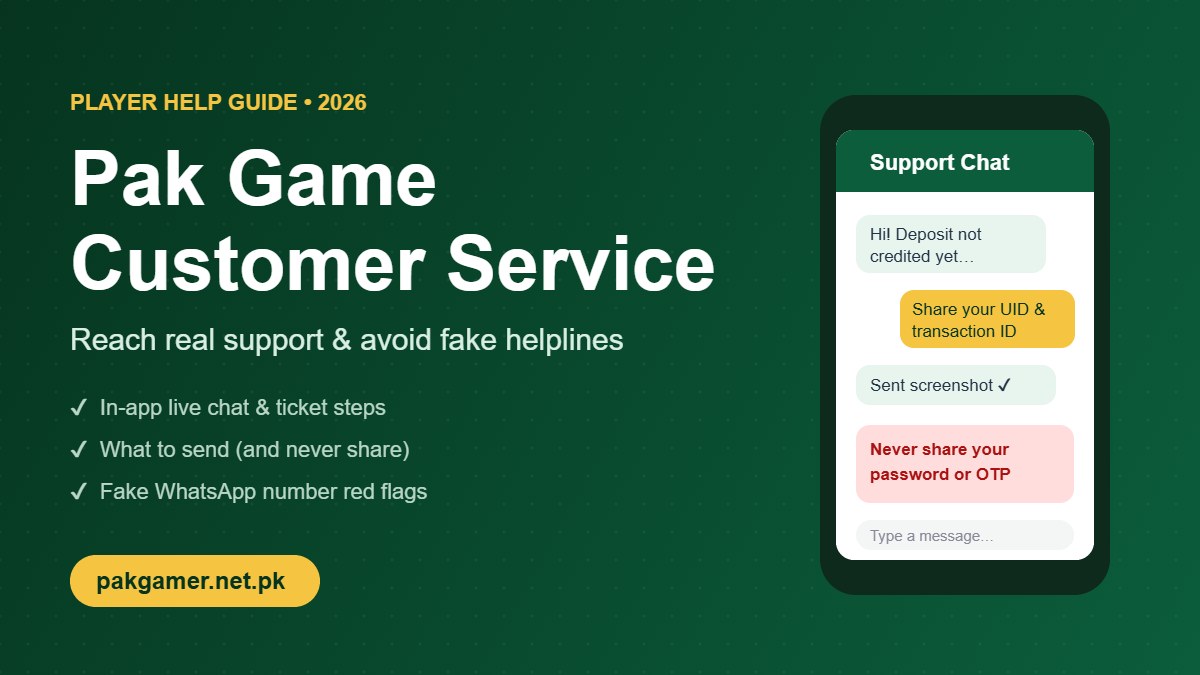
This guide explains every real support route, what to send so your issue is solved faster, ready-made messages you can copy, how to spot fake helplines, and what to do if support stops replying. It is written for Pakistani players and focuses on problems with PKR deposits and withdrawals through JazzCash and EasyPaisa.
Important: pakgamer.net.pk is an independent guide. We are not the Pak Game operator and cannot reset passwords, release withdrawals or check your account. Real-money gaming is for adults (18+) only, carries financial risk, and you are responsible for following the laws that apply to you in Pakistan.
Which Pak Game Customer Service Channels Are Real?
Many websites list different phone numbers, WhatsApp numbers and Telegram handles for Pak Game. Most of them cannot be verified, and some are run by people who want your OTP or a “processing fee”. Use this table to judge each channel before you contact it.
| Support channel | Where you find it | Can you trust it? | Best used for |
|---|---|---|---|
| In-app live chat / Online Service | Inside the Pak Game app after login (Account or Me tab) | Yes – the most reliable route | Deposits, withdrawals, bonuses, account checks |
| Help or service icon on the login screen | Login / sign-up page of the official app | Yes, if it opens inside the app | Login problems when you cannot sign in |
| Official announcements in the app | Notice or message centre inside the app | Yes | Maintenance, payment delays, new links |
| WhatsApp number from a website or video | Blogs, YouTube, TikTok, comments | Not verifiable – high risk | Avoid unless the app itself shows the same number |
| Telegram “teacher” or signal groups | Social media, websites | No – often scams | Never use for account or payment help |
| Phone “helpline” with a mobile number | Random websites and posters | Not verifiable | Avoid sharing any account details |
Simple rule: if a contact is not shown inside the app you downloaded, treat it as unofficial. If you are not sure the app itself is genuine, read our Pak Game download guide first.
How to Contact Pak Game Customer Service Inside the App
Menu names can change after an update, but the path is usually the same. Follow these steps:
- Open the Pak Game app and sign in with your registered mobile number and password.
- Tap the Account or Me icon at the bottom of the screen.
- Look for Customer Service, Online Service, Help Center or a headset icon.
- Choose the topic that matches your problem (recharge/deposit, withdrawal, account, other) if the menu asks.
- Write one clear message with all the details listed in the checklist below and attach your screenshot.
- Keep the chat open or note the ticket number, then wait for a reply before sending a new request.
If You Cannot Log In
Live chat normally needs a logged-in account, which is a problem when the login itself is broken. In that case:
Locked out because you forgot your password? You can usually fix that yourself without contacting anyone: see how to reset your Pak Game password in six simple steps.
- Check the login screen for a help, service or headset icon and use it if it is there.
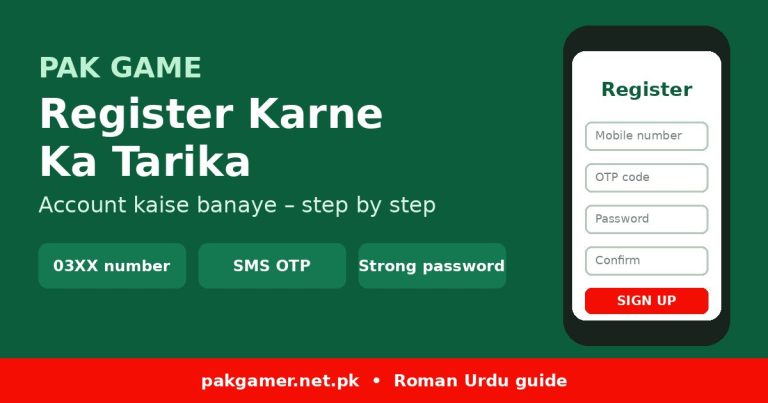
- Use Forgot Password with your registered number to reset access yourself.
- Make sure you are using the same number you registered with and that SMS is working on that SIM.
- Follow our step-by-step Pak Game login not working fixes before contacting anyone outside the app.
What to Send Pak Game Customer Service: The Information Checklist
Most support delays happen because the first message is incomplete and the agent has to ask the same questions again. Send everything in one go:
| Detail | Why support needs it | Where to find it |
|---|---|---|
| Player UID / account ID | Identifies your account without your password | Profile or Account page in the app |
| Registered mobile number | Confirms you own the account | The number you signed up with (+92…) |
| Order or transaction ID | Lets support trace the payment | Deposit/withdrawal history in the app and your wallet SMS |
| Payment method | JazzCash, EasyPaisa or bank follow different checks | Your wallet app |
| Amount, date and time | Matches your request to their records | Wallet SMS or transaction history |
| Screenshot | Shows the exact error or status | Take it on the error or history screen |
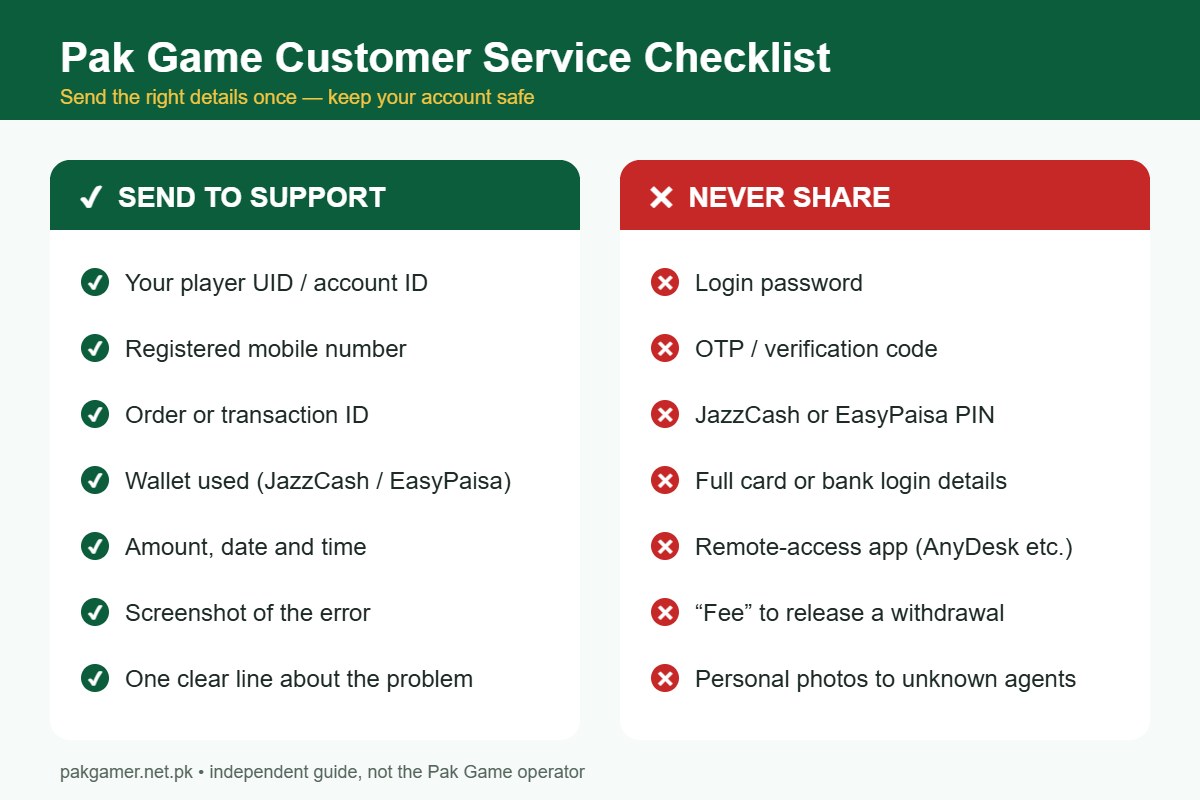
Never Share These Details With Anyone
A real support agent never needs your secrets to check a payment. Do not send:
- Your Pak Game login password
- Any OTP or verification code sent by SMS
- Your JazzCash or EasyPaisa MPIN, or card and bank login details
- Access to your phone through apps like AnyDesk or TeamViewer
- Money as a “fee”, “tax” or “unlock charge” to release a withdrawal
Ready-to-Use Messages for Pak Game Customer Service
Copy the template that matches your issue, fill in the brackets and send it in the in-app chat. Short, complete messages get faster answers.
Deposit Deducted but Balance Not Updated
Hello, my deposit is not showing in my balance. UID: [your UID]. Registered number: [03XX-XXXXXXX]. Method: [JazzCash/EasyPaisa]. Amount: Rs [amount]. Date/time: [date, time]. Transaction ID: [ID from SMS]. Screenshot attached. Please check and credit it.
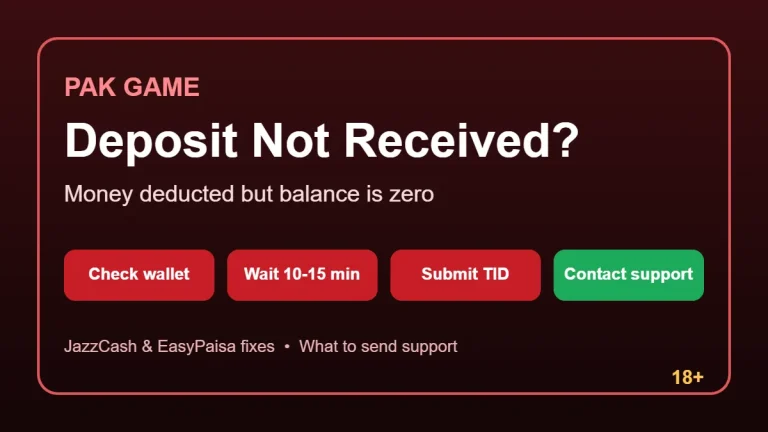
Before sending, read our Pak Game deposit guide so you know how the payment flow should look.
Withdrawal Not Received
Hello, my withdrawal request is still not received. UID: [UID]. Amount: Rs [amount]. Requested on: [date, time]. Wallet: [JazzCash/EasyPaisa] number [03XX-XXXXXXX]. Order ID: [ID]. Status in app: [pending/processing/failed]. Screenshot attached.
If the status says pending, first go through the checks in our withdrawal pending guide before opening a second request.
Roman Urdu Version
Assalam o Alaikum, mera deposit/withdrawal abhi tak show nahi hua. UID: [UID], number: [03XX-XXXXXXX], amount: Rs [amount], tareekh aur waqt: [date, time], transaction ID: [ID]. Screenshot saath hai. Meharbani kar ke check kar dein.
Pak Game Customer Service WhatsApp Number: Be Careful
Searches for a Pak Game customer service WhatsApp number or Pak Game customer service number 24 hours are very common, and scammers know it. Fake “agents” post numbers on websites, YouTube descriptions and comment sections, then contact players who are already worried about their money.
Watch for these red flags:
- They message you first after you comment about a problem.
- They ask for your OTP, password or wallet PIN “to verify” you.
- They ask you to pay a fee, tax or deposit to “unlock” a withdrawal.
- They promise guaranteed wins, signals or a “VIP prediction” service.
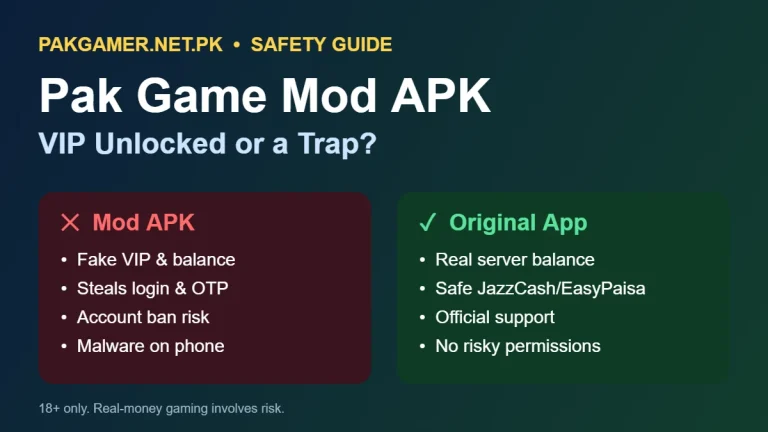
- They send an APK file or link to a different-looking app.
- The number or group is not mentioned anywhere inside the app.
How to Check a WhatsApp or Telegram “Agent”
- Open the app and compare: is the same contact listed in the in-app service section or announcements?
- Ask the agent to reply inside the in-app chat instead. Real staff can do that; scammers usually refuse.
- Never click payment links or install anything they send.
- If you already shared an OTP or PIN, change your password and contact your wallet provider immediately.
Which Problem Goes Where? Pak Game Support Routing Table
Not every problem is solved by the same team. Sending your issue to the right place first saves days.
| Your problem | Contact first | Also check |
|---|---|---|
| Cannot log in / wrong password | Forgot Password on the login screen | Login not working guide |
| OTP not arriving | Your SIM network and phone SMS settings | Then the in-app service icon |
| Wallet charged, game balance not updated | Pak Game in-app customer service | Your JazzCash/EasyPaisa transaction history |
| Withdrawal pending or failed | Pak Game in-app customer service | Withdrawal guide |
| Money left your wallet to an unknown number | JazzCash or EasyPaisa official helpline in their app | Report fraud to the cybercrime authority |
| App will not install or update | Re-download from the source you trust | Download guide |
| Someone scammed you posing as support | Your wallet provider + cybercrime report | Change your password at once |
How Long Does Pak Game Customer Service Take to Reply?
Pak Game does not publish an official response-time promise, and the “instant” or “5 minutes” times shown on some websites cannot be verified. In practice, replies depend on the time of day, payment traffic and how complete your first message is.
- Send one complete message and wait. Several new tickets for the same issue can push you back in the queue.
- Payment checks can take longer because the operator may need to confirm with the wallet or bank.
- If there is no reply after a day, send a short follow-up in the same chat or ticket with your ticket or order ID.
- Keep every screenshot and wallet SMS until the issue is closed.
What to Do When Pak Game Support Does Not Help
If you are stuck after a reasonable wait, escalate in this order:
- Follow up once in the same in-app chat, politely restating your UID, order ID and amount.
- Stop adding more money to the account until the open issue is solved.
- Check your wallet side. If JazzCash or EasyPaisa shows the money as sent to the merchant, keep that record. If it is reversed, it will appear in your wallet history.
- Contact your wallet provider through the help option inside the JazzCash or EasyPaisa app if money left your account and was not received by the platform.
- Report fraud if someone tricked you while pretending to be support. In Pakistan, online fraud can be reported to the National Cyber Crime Investigation Agency (NCCIA).
What Pak Game Customer Service Can and Cannot Do
| Support can usually… | Support usually cannot… |
|---|---|
| Check whether your deposit reached the platform | Reverse a payment you sent to a wrong or fake account |
| Tell you the status of a withdrawal | Speed up a withdrawal for a “fee” |
| Guide you through account verification | Give winning tips, signals or predictions |
| Explain bonus or turnover rules | Change game results |
| Help unlock an account after checks | Recover money lost to a third-party scammer |
Remember that this website, like other guide sites, cannot access your account. Our Pak Game app guide explains how the platform works, but account actions are only handled by the operator inside the app.
Frequently Asked Questions
How do I contact Pak Game customer service?
Open the Pak Game app, sign in, tap the Account or Me tab and choose Customer Service or Online Service. Send your UID, registered number, transaction ID and a screenshot in one message.
Is there an official Pak Game customer service WhatsApp number?
Only trust a WhatsApp number if the app itself shows it in the service section or announcements. Numbers posted on websites, videos or comments cannot be verified and are often used by scammers.
Is Pak Game customer service available 24 hours?
Some websites claim 24/7 support, but Pak Game does not publish a verified service promise. Use the in-app chat at any time and allow extra time for payment checks.
What should I do if I cannot log in to contact support?
Use Forgot Password on the login screen with your registered number, check for a help icon on the login page, and follow our login troubleshooting steps before contacting anyone outside the app.
Will Pak Game support ask for my OTP or password?
No. A genuine agent can check payments with your UID and transaction ID. Anyone asking for your OTP, password or wallet PIN should be treated as a scammer.
Someone asked me to pay a fee to release my withdrawal. Is this real?
No. Paying a “fee”, “tax” or “unlock charge” to a chat agent is a common scam. Stop the conversation and contact support only through the app.
My wallet was charged but my Pak Game balance did not update. Who do I contact?
Contact Pak Game in-app customer service first with your transaction ID and screenshot. If the wallet shows the money went to an unknown number, contact JazzCash or EasyPaisa through their own app.
Can pakgamer.net.pk solve my account problem?
No. pakgamer.net.pk is an independent information site and is not connected to the Pak Game operator. We cannot access accounts, payments or withdrawals.
Final Words on Pak Game Customer Service
The quickest way to get help from Pak Game customer service is simple: use the support option inside the app, send all your details in one message, and stay patient while payments are checked. Ignore unknown WhatsApp numbers, Telegram “teachers” and anyone asking for codes or fees. If something goes wrong with your wallet, go to JazzCash or EasyPaisa directly, and report fraud when it happens.
For related problems, see how to fix login errors and what to do when a withdrawal is pending.
Responsible play: Pak Game involves real money and you can lose what you deposit. Only adults (18+) should use it, never play with money you need for daily expenses, and take a break if gaming starts to feel stressful.

3 Comments